
With the release of the “Voyagers” update to No Man’s Sky (not to be confused with the Expedition of the same name from a year or so back), players now have the ability to create their own ships. Dubbed “Corvettes,” they’re assumed to be smaller than the Frigates used for exploration from the Freighter base. Much like a simplified version of the shipbuilding system in Starfield, you take different parts and put them together in an aesthetically pleasing fashion. Or you make “Thomas the Tank Engine.” You do you, Traveler. But first, you need the parts. So we’re here to help smooth the process out a little.
First Flight
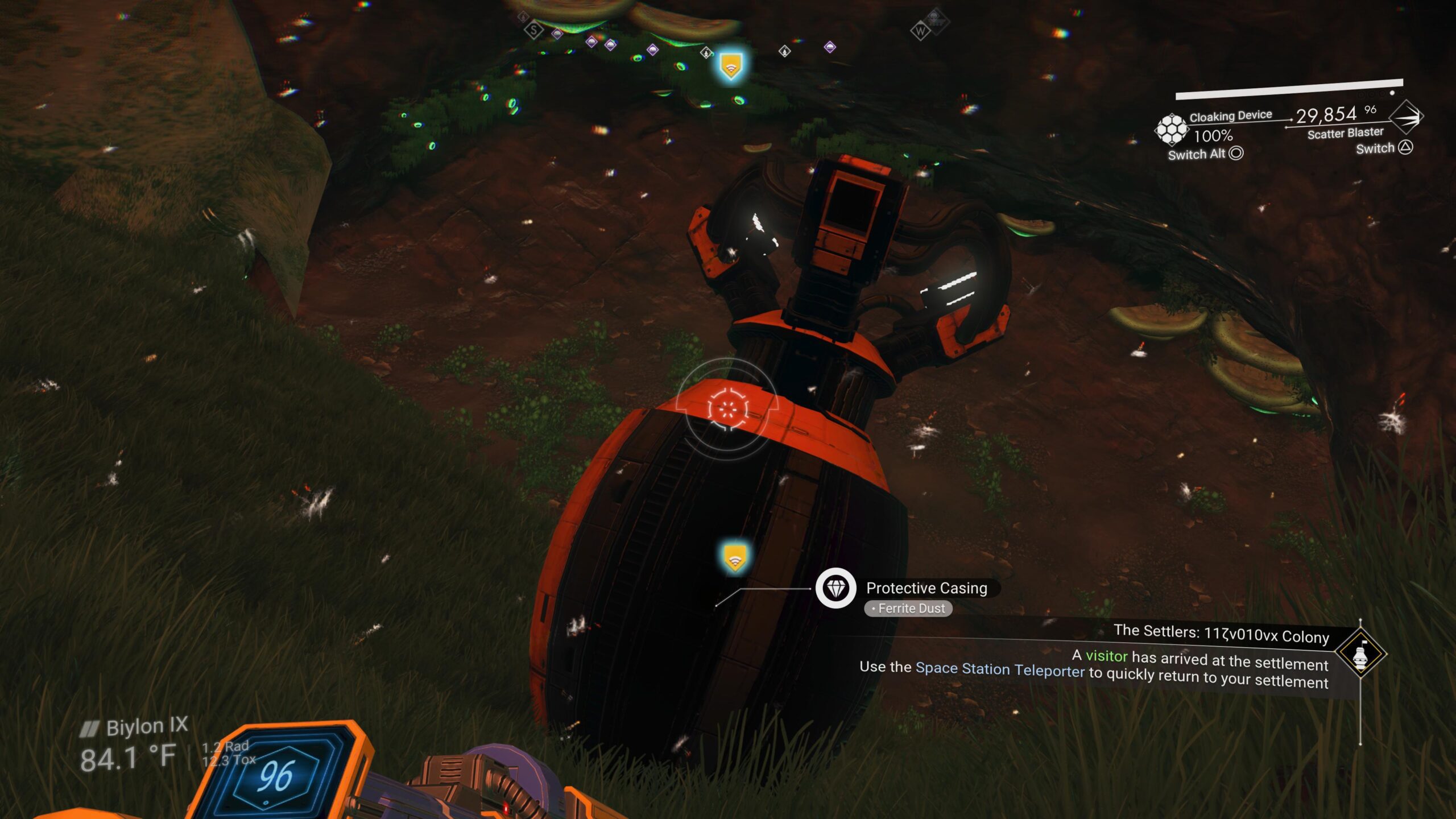
You might think that you need to wait for the upcoming Expedition to unlock Corvettes. Not so! Head to the nearest Space Station (not an Abandoned Space Station or Pirate Station) and you’ll notice a line of four teleport pads similar to what you find on your Freighter to get from the hangar bay to the bridge. Take one, and it will plop you down in the new Corvette landing area just in front of the regular landing pads. There, you will find the Corvette Workshop and the Corvette Workshop Cache. Don’t worry about the Cache for right now. Instead, activate the Corvette Workshop and you’ll be given the “Corvette Assembly” Secondary Mission.
A couple of notes for this one. First, you’re going to need a healthy unit balance. The prices for components are fixed, but they’re not cheap. Second, the pieces for the quest are the bare minimum to build a functional Corvette. Obviously, more pieces will add to the final bill. A breakdown of the required pieces for the quest and their prices is as follows:
- Thunderbird-Class Cockpit – 1.6 million units
- Thunderbird-Class Hab – 680,000 units
- Landing Gear (x2) – 800,000 units (1.6 million units total)
- Titan Sublight Thruster (x2) – 1.4 million units (2.8 million units total)
- Medusa-Class Reactor – 1.75 million units
- Photon Cannon Array – 1.2 million units
- Titan-Class Landing Bay – 800,000 units
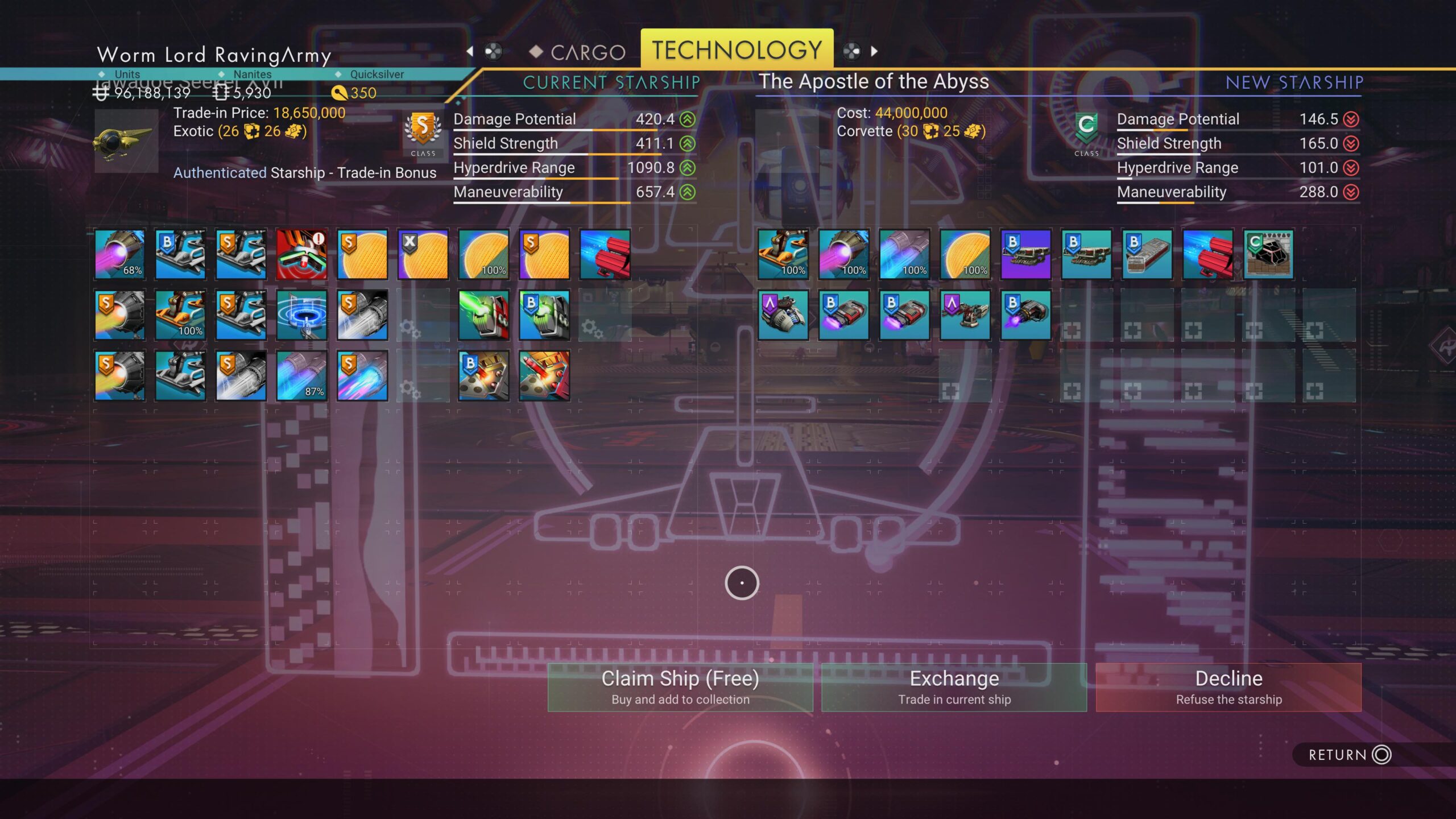
The total bill comes to 10.43 million units. Not bad for a barebones Corvette, but certainly not something one is going to get if they just started a new save. Once you’ve bought your basic parts, the quest will prompt you to go into the Corvette Assembly option. Follow the directions and see how all the pieces fit together. When you’re done, you’ll have a very basic Corvette. Make sure you’ve got a free ship slot to accept it, then claim it.
The quest will then prompt you to furnish the vessel. You’ll have a new tab in your Base Construction menu at the far left, with an icon that looks like a pilot’s seat. This option only appears when you’re in the Corvette. Tab over and see your options. Your first improvement will be the Mission Radar, a console similar to the Mission Station on the Anomaly. It requires 40 Gold, 1 Microprocessor, and 1 Ion Battery. Install it against a wall and you now have a ready source for missions. With that in place, you’re prompted to go looking for Salvageable Scrap. If you’re not in a star system with a planet that has Salvageable Scrap, pop over to one, then find the planet and take your new Corvette out for a spin. Once you’ve landed, leave the pilot’s seat (just like you would if you were hopping out of your single-seat craft), take your Multi-Tool, find a “Scrap Container” marker, and trot yourself over there to dig it up with the Terrain Manipulator. Once it’s fully exposed, use the Mining Beam to break down the components, then finally the core. You’ll receive at least one random Corvette part, possibly more. With that, the Secondary Quest is complete.
Pick-A-Part
All right, you’ve got a couple parts. Cool. It’s not going to be near enough. You probably noticed when you were purchasing basic parts at the Corvette Workshop, there was an option to “Trade For Advanced Parts.” Frankly, that’s where all the cool ones are located, and we’ll get to that function in a bit. You’re going to need a lot more parts than what you just scavenged if you’re going to build the ship of your dreams. And being fair, the ship of your dreams isn’t much right at the moment.
So, aside from a planet which has Salvageable Scrap on it, you’re going to need to get around on said planet without flying. Scrap Containers aren’t visible from the air, so no tooling around in the Corvette or your regular ship. It’s highly advisable you have the Exocraft Technician’s quest line completed, for starters. This will give you access to both the Roamer and the Colossus, either of which will be very helpful in your efforts. It’s something of a toss-up which will be more helpful. The Colossus has the most cargo space, but it’s also cumbersome and slow. The Roamer has less cargo space, but is somewhat faster. Either way, you’re going to be storing a lot of stuff in there. Make sure your chosen Exocraft is properly “weatherproofed” against hostile environments, and that you have at least the basic Exocraft Mining Lasers, engine upgrades, and wheel upgrades.
If you’re going to be entering a star system which you do not have an established base in, either on your Freighter or a groundside base, you’re going to want the Exocraft Summoning Station (a collapsible item similar to the Save Beacon or Signal Booster) or the Exocraft Summoning Unit for your Exosuit. The former is useful if you’ve got at least a Freighter in-system, the latter if you’re far away from your bases. The ability to summon an Exocraft when you need it (or when you need to reposition it after an unfortunate navigation flub into a cave) will make the work easier.
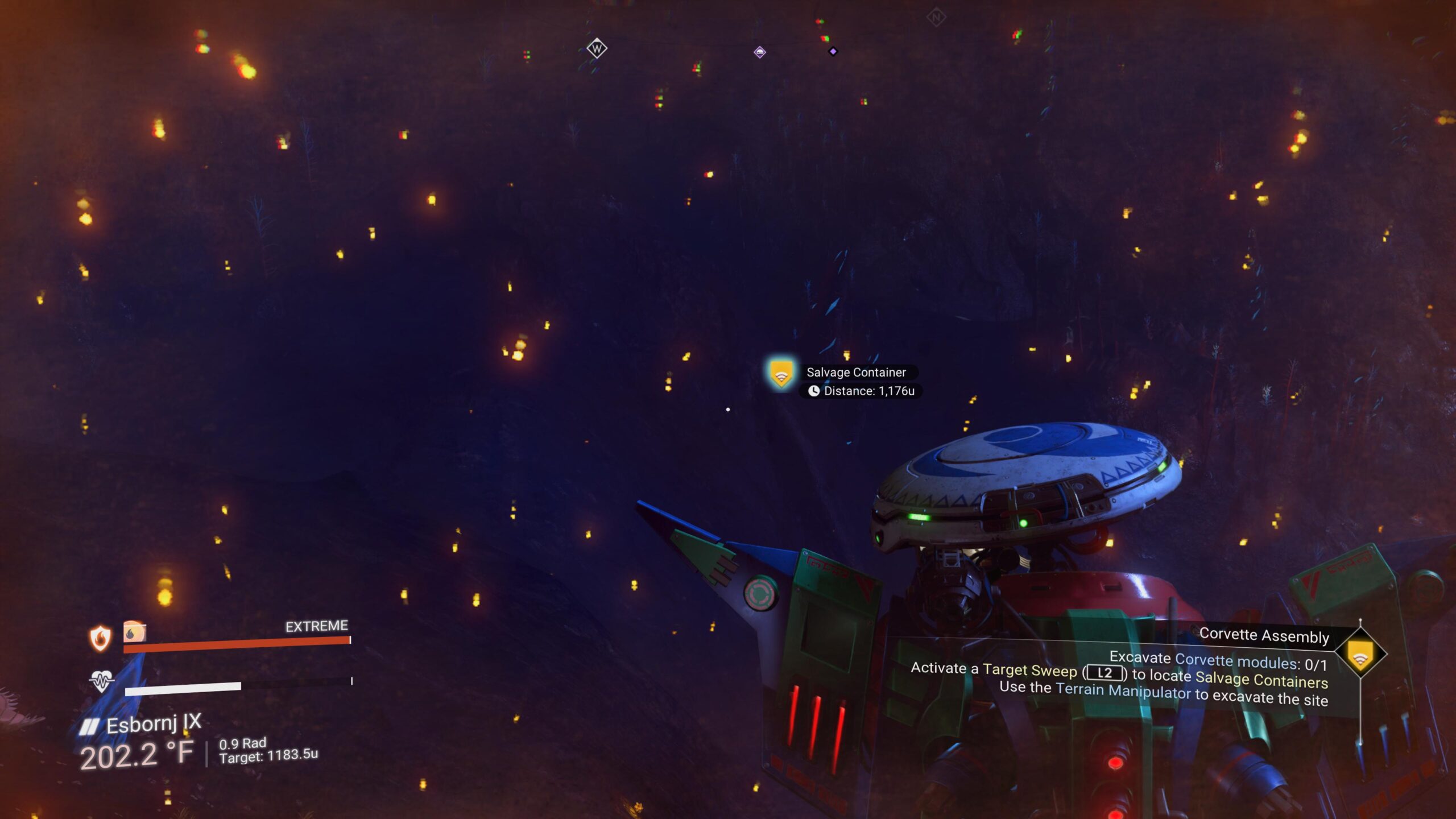
Put simply, if you want parts, it’s going to be a grind. Find a Scrap Container with your Multi-Tool scanner, drive out to the spot, dig it out, break it down, get the parts, lather, rinse, repeat. There are a lot of different parts to be found, both functional and decorative, and you’re almost certainly going to build stacks of them in your Exosuit inventory, your Exocraft inventory, your Corvette (or any other ship you’re using) inventory, and even your Freighter inventory. With the release of the “Corvette” Expedition, the stack limit has been established at fifty for a given part. But with so many possible parts, you’ll likely run out of inventory slots before you end up maxing the stacks. The simplest strategy: pick a compass point and go more or less in a straight line, hopping out periodically to check for Scrap Containers.
When your Exosuit is full of parts (and Valuable Scrap), simply transfer the parts into the Exocraft. If you happen to pick up more parts than your Exosuit can hold, the overflow will immediately go to your Freighter (if you’ve got a Matter Transfer Beam module on the Freighter). When your Exosuit and Exocraft are both full up, the smart move would be to put down a Save Beacon at the last spot you dug up parts, summon your ship, transfer as many parts as you can from the Exocraft to the ship, and head back to the Space Station.
Swap Meet
OK, you crazy scrap hound, you’ve got all these parts. What the heck do you do with them all? Besides building up your Corvette (or building a whole new one from scratch), you can use parts as barter for other parts beyond the basics.
In the Corvette Workshop, you can go to “Purchase Corvette Parts”, then go to “Trade For Advanced Parts” and see what’s available. A couple of things to keep in mind. One, a 1:1 trade is possible, but you’re going to have to do a lot of poking and prodding to see what will make that happen. It’s likely going to cost you at least two different types of parts, and possibly more than one of each. Two, certain trades simply aren’t going to happen, usually because you’re trying to get something cool by giving the market a bunch of junk. You’re not going to get an Ambassador-class Hab with a bunch of small hull plating chunks. Let’s take a look at the different types of parts and get an idea of their relative value.
- Cockpits – The important part of flying any Corvette. Without a pilot’s seat and a control stick, you’ve got a very fancy box that doesn’t go anywhere.
- Landing Bays – The way into and out of your Corvette. They’re all simple doorways with loading ramps. Some are a bit fancier.
- Landing Gear – Allows your Corvette to touch down on planetary surfaces as well as land on Space Stations and Freighters.
- Hab Modules – Usually the largest structural components you can purchase, though not always the most expensive. Habs are where you tend to put different workstations like the Mission Radar, along with “quality of life” stuff like Medi-Pods and Refiner Units.
- Reactors – The power plants of the ship. These boost the Corvette’s hyperdrive.
- Main Engines – The primary means of propulsion. Handles both sub-light and Pulse Engine travel.
- Light Thrusters – Secondary means of propulsion. They add to Pulse Drive speed and improve handling to a smaller degree.
- Walkways – Connective corridors, allowing you to extend the Corvette laterally or longitudinally. These can also have utility modules like the Mission Radar installed.
- Weapons Systems – These correspond to most of the weapons your regular single-seat craft use, merely scaled up.
- Shield Generators – Corresponds to deflector shields on single-seat craft.
- Flight Stabilizers – Improves the handling of a Corvette in planetary atmospheres.
- Structural Supports – Allows you to spread components away from the hull.
- Hull Plating – Decorative elements which hide the boxes of your Habs and Walkways.
The Corvette Workshop Cache is going to be your friend. At 160 slots, and each slot allowing a stack of 500 similar pieces, you’ll potentially have a lot of material to work with, given enough time. An important point: in order to transfer parts out of your ship into the Cache, you need to be outside the ship and ideally next to the Cache. The Quick Transfer button should give you an option to send the parts to the Cache. At present, when creating a Corvette from the Workshop, it will start out as a C-class vessel. It can be upgraded by going to the Starship Outfitting kiosk on a Space Station and spending Nanites to increase the class.
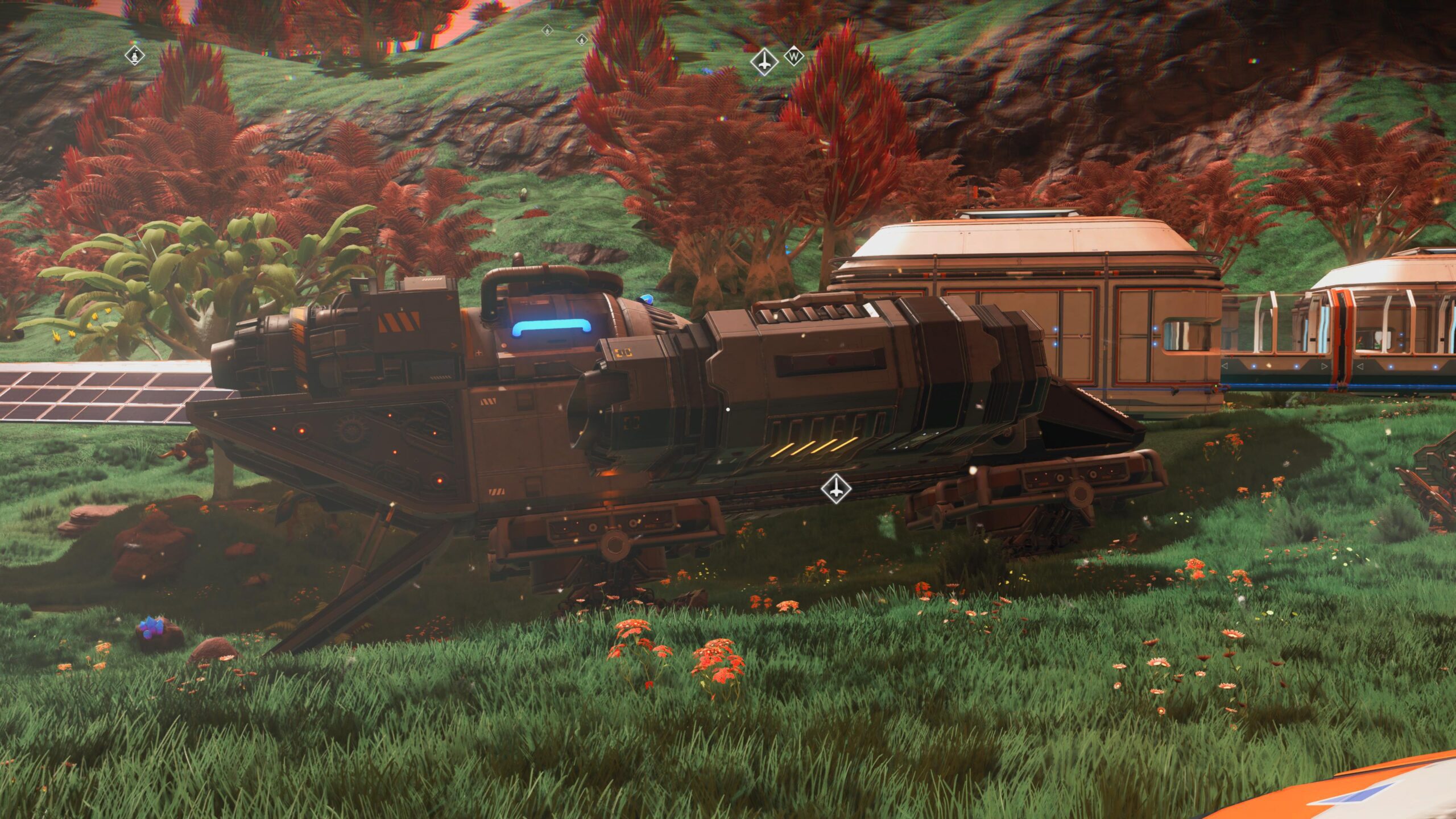
You’ve got a lot of work ahead of you, Traveler. But it’ll be well worth it when you go styling across the galaxy with your truly custom ride.