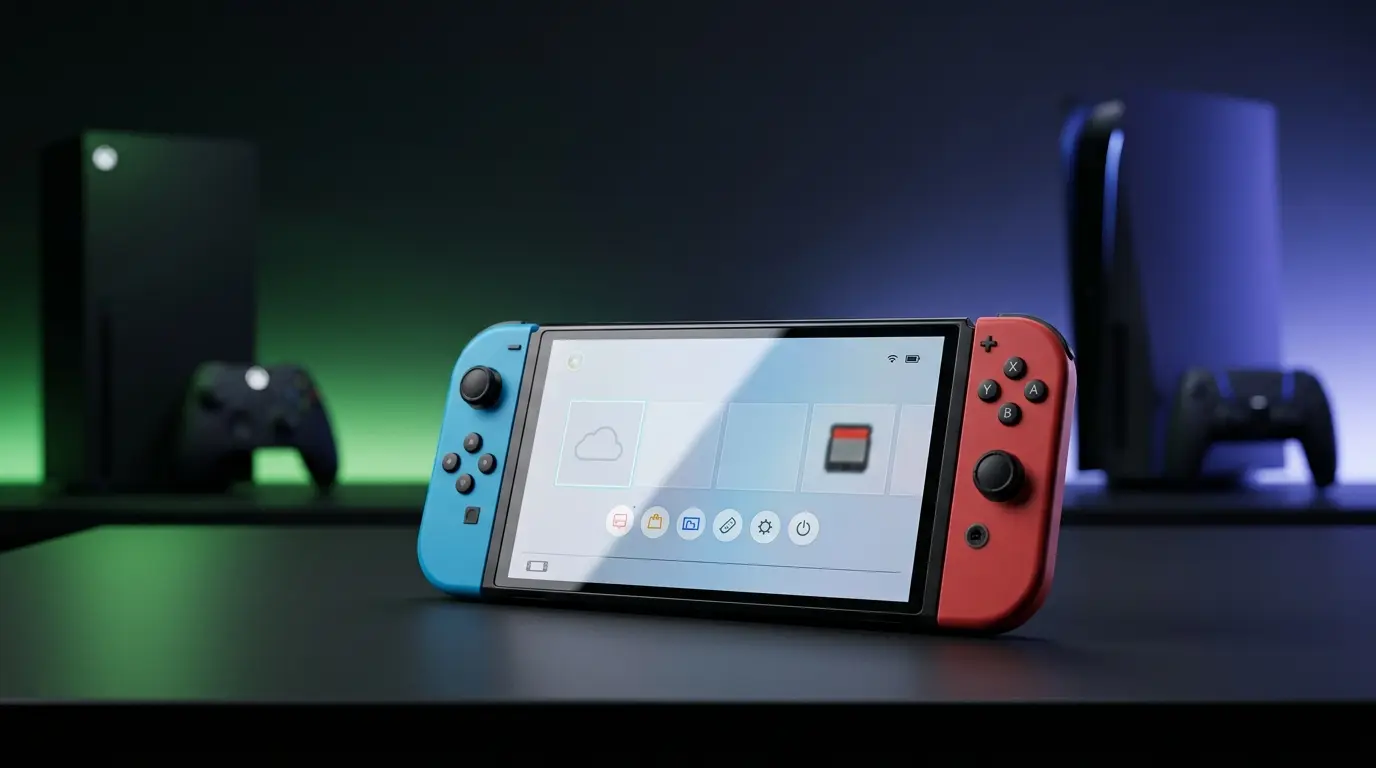

The Switch 2 is a few months old now, and while it boasts the same ability to be used handheld as well as docked that the original switch has, it also has the problem that most people have more TVs than Switch 2s and like to take their docks with them on trips and the Nintendo brand docks and chargers are neither particularly portable, nor are they cheap. The Switch 2 Pro controller is also pretty pricey. So what’s a person to do if they don’t want to shell out the high prices for the accessories for their already pricey system? Third Party Accessories, of course! But which ones to choose? That’s where I come in. I have a Switch 2, and I’ve been willing to use it as a guinea pig to find the best – and sometimes only – bang for your buck accessories are for the new device. First up, let’s consider…
Controllers
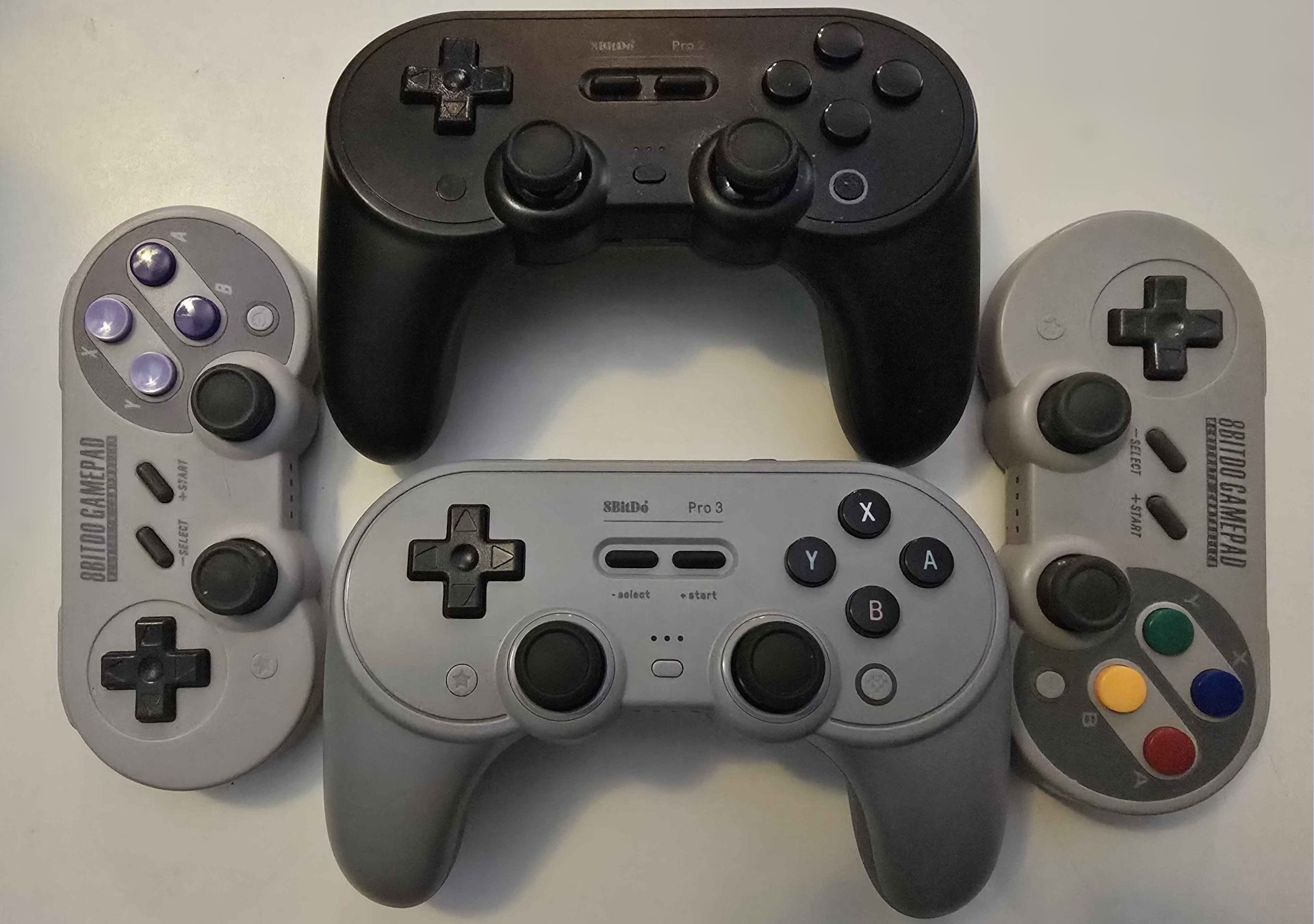
The good news here is that any controller that worked for the original Switch will also work for the Switch 2, so if you already have a favorite, you can keep using it. That said, let me make a couple suggestions for the most reliable at home and travel third party controllers that I use on the regular.
8bitdo’s Ultimate 2 Wireless Controller is a Hall-effect controller that has the same layout as the official Pro Controller. If you want something with the analog sticks parallel to each other, there is also the Pro 3 controller. If you want much the same controller but want a more easily changed battery pack, there is the Pro 2 to consider as well. The only thing to note for these three controllers is that the rear “P” buttons can’t yet be assigned in-game like the official Switch 2 Pro controller, but these can be assigned using the free Ultimate Software, and both controllers can have up to three programmed profiles at each time. As a suggestion for even more portability, they also offer the SN30 Pro, which is much flatter, but lacks rear switches.
The key take away about controllers though is that you want Hall-effect joysticks, as they are far more reliable than potentiometer joysticks, and cannot develop joystick drift.
Docks
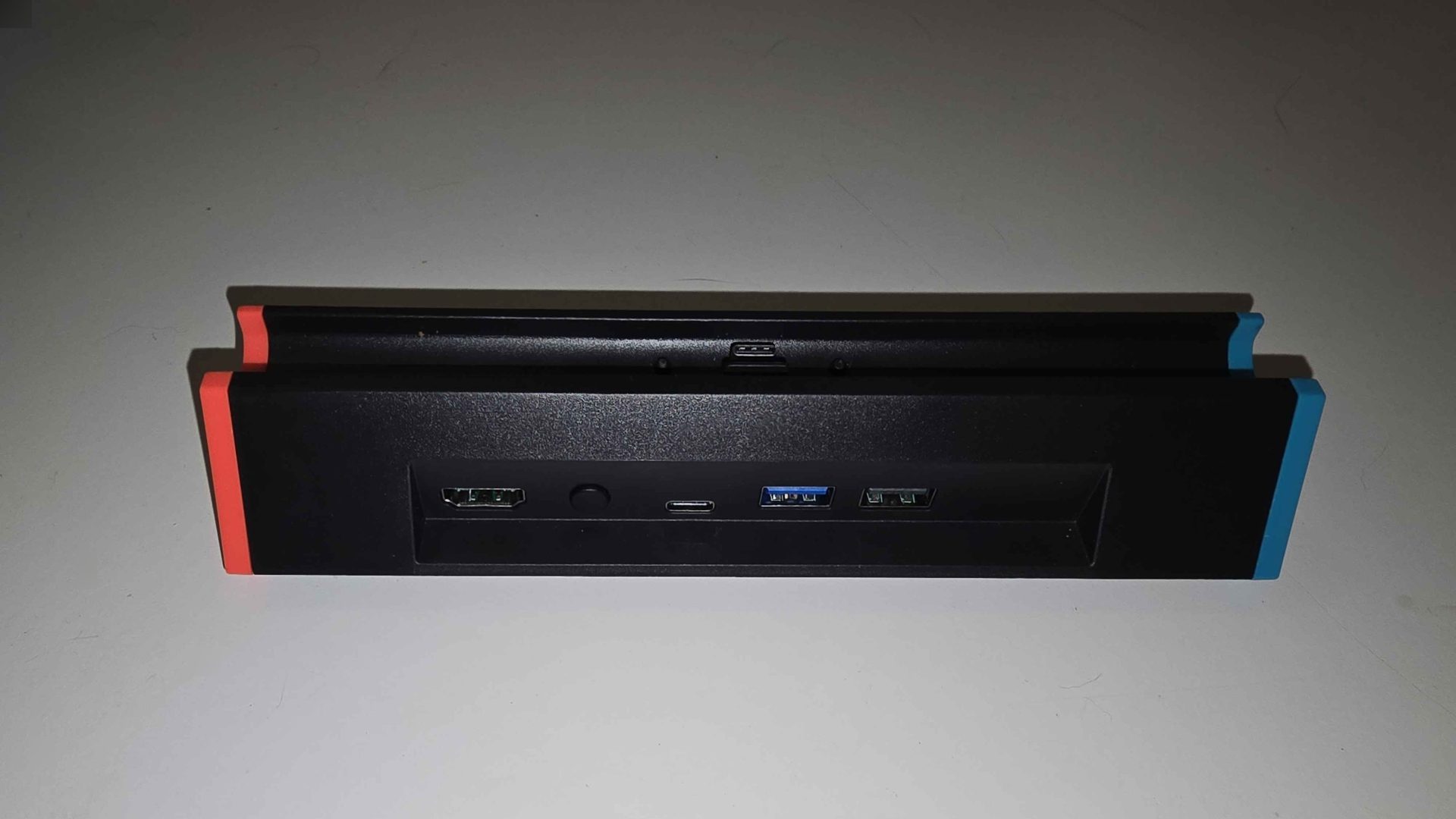
Here’s what you’re really here for. This is a dock that I can confirm safely holds the Switch 2, safely charges the Switch 2, and most importantly, safely outputs video from the Switch 2 to any display of your choice. It’s the unimaginatively named Switch 2 Dock from SIWIQU. There are two versions, one with an integrated LAN port and one without that’s a little cheaper. Both are capable of displaying up to 4K at 60FPS. They purport to be able to also do 8K at 30fps, but I have no way to test this myself and no real desire to. In addition to outputting to a TV, the dock can also switch to be used as a charging stand at the push of a single button on the rear of the device amid all the cable ports. Speaking of cables, this dock is shipped without a charger or cables, so you will need to get those separately. I got the version without an integrated LAN port as I have plenty of pluggable LAN adapters from the early days of 3rd party Switch docks. Choose whichever one is right for you, and make sure you’re getting the Switch 2 version, as the Switch 1 docks are not forward compatible. You can probably also find the exact same dock from a lot of other sellers; these are just the specific brand I purchased to test, so I know their product works.
Switch 2 Charger and Cables
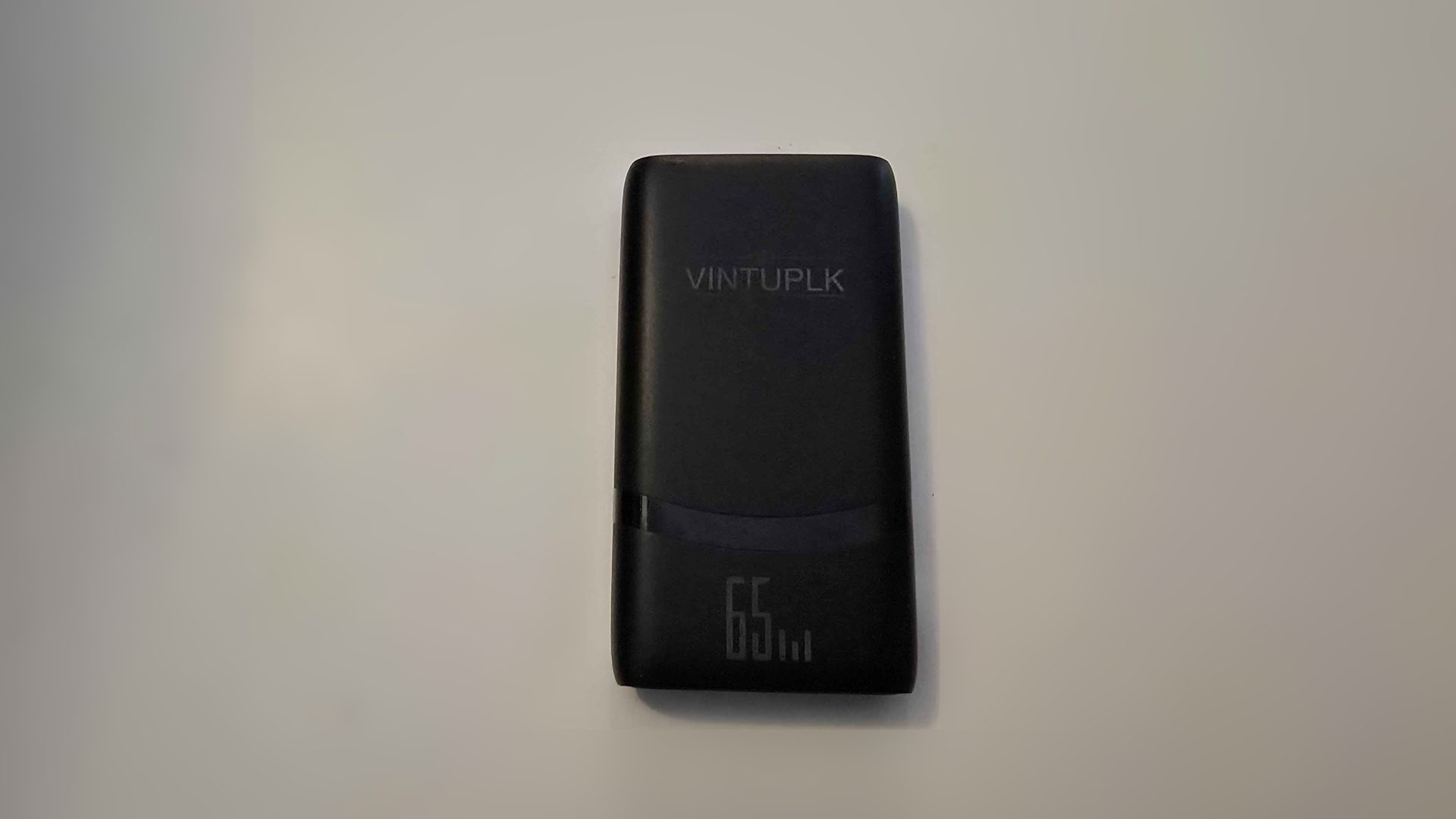
The Switch, to work in docked mode, required 60 watts of power. Almost any power brick above this wattage will work, but to ensure compatibility, look for a GaN/ PD3.0 charger of 60W or higher. For travel purposes I have personally been using a low profile 65W slim travel charger to take up less space in my case.
For cables, anything with a power rating equal to or greater than your charger will suffice. I suggest these inexpensive 100w compatible cables for their low price and reliability (I’ve had mine six years and counting now), but basically any USB-C cable that can handle the wattage will work fine. If you haven’t been keeping track, the price of the third-party dock, travel charger, and charging cord all together is less just the price of the official Nintendo dock.
Now you probably have plenty of HDMI cables sitting around your house, but in the event you don’t have one to spare for road trips, the Amazon Basics cable should suffice for all your needs and at a bargain bin price too.
None of these items are sponsored. I purchased each item mentioned here or a variant with my own money and used it myself. Hopefully this information will help you all find the best secondary/ travel peripherals to save some money you can buy even more games.